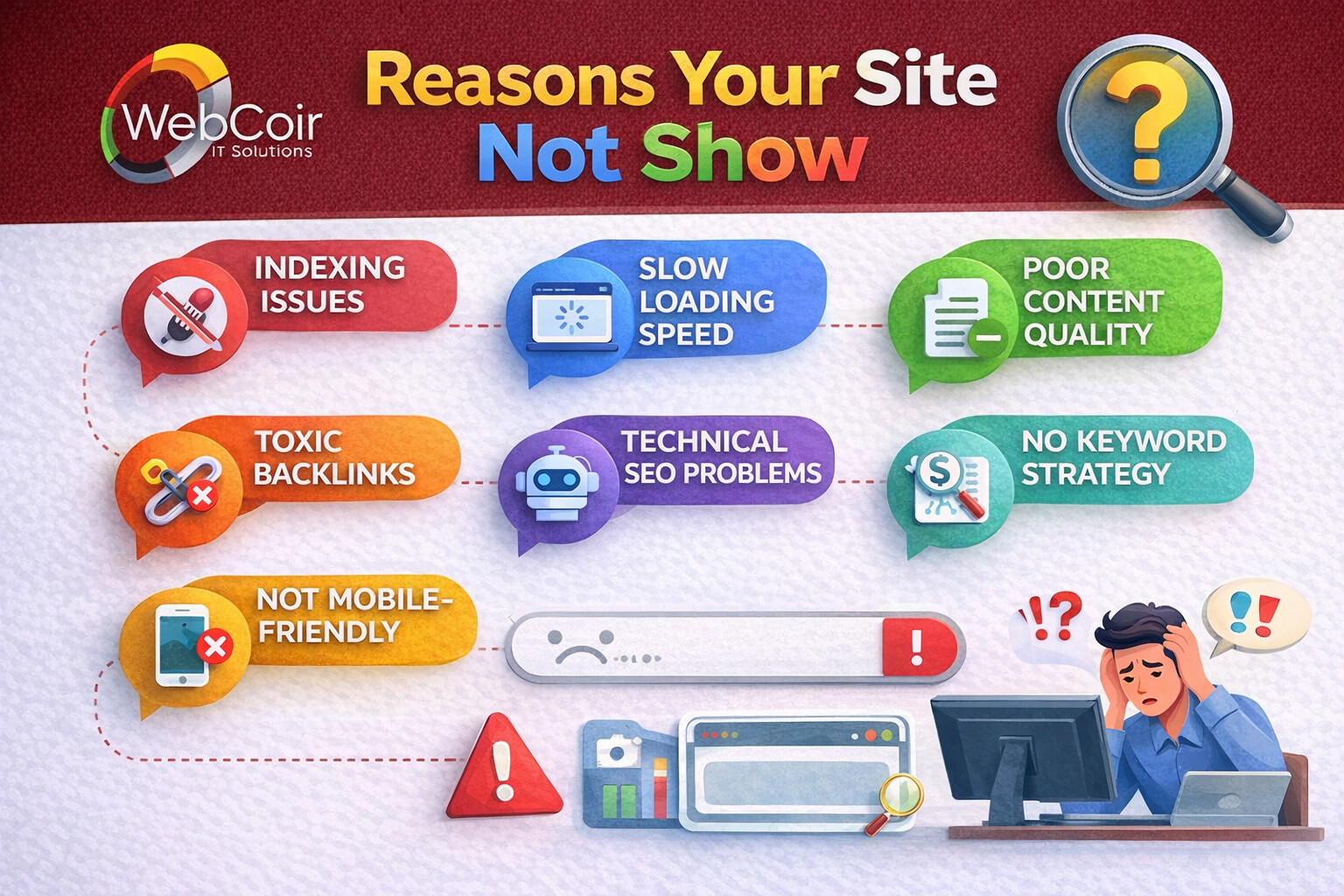
Reasons Your Site Isn’t Showing Up on Google
You are not the only one who has made a website that Google can’t find. If their website doesn’t show up on Google or in Google search, a lot of website owners ask the same question why my website is not appearing on Google. It can be annoying when this happens after you’ve put time and money into your site.
The good news is that this problem can usually be fixed. There are clear reasons why Google might not have found your site or why it is not ranking well. There are a few simple things you can do to make sure your site shows up on Google. We’ll talk about them in this blog post.
Google Does Not Index Your Site
Google simply does not yet know about your website, which is one of the main and most common reasons it is not coming up on Google. In the event that site is not indexed by Google, it won’t show up in search results.
“Not Indexed” What Does It Mean?
Google has viewed your website, read your pages, and added them to its database. This is called “indexing.” It is not possible for a page to rank if it is not indexed.
Common Reasons for Indexing Issues:
- Your website is brand new
- Pages were not submitted to Google
- Googlebot is blocked
- Technical errors on the site
How to Check If Your Site Is Indexed:
- Go to Google and type:
site:yourwebsite.com
- If no pages appear, your website is not indexed.
How to Fix This:
- Set up Google Search Console
- Submit your website sitemap
- Request indexing for important pages
- Make sure pages are not blocked by robots.txt or noindex tags
Once Google indexes your site, it becomes eligible to appear in search results.
Your Website Is Blocked from Google Search
Another major reason why your website is not appearing on Google is that it may be accidentally blocked.
Common Blocking Issues:
- no index meta tag added to pages
- robots.txt file blocking Googlebot
- Website set to “no search engines” (common in WordPress)
These issues tell Google not to show your website in search results.
How This Happens: During development, developers block search engines and forget to remove it Incorrect SEO plugin settings, Manual coding mistakes.
How This Happens:
- During development, developers block search engines and forget to remove it
- Incorrect SEO plugin settings
- Manual coding mistakes
Even one small technical block can cause your entire website not showing in Google search.
Your Website Is Too New or Has No Authority
If your site is new, it’s normal if it doesn’t appear immediately. Many people think something is wrong when Google just hasn’t built trust yet.
Why New Sites Struggle:
No backlinks
No brand signals
Limited content
Low domain authority
Google prefers websites that show trust, relevance, and authority.
How to Fix This:
- Check page source for no index
- Review your robots.txt file
- In WordPress, ensure “Discourage search engines” is unchecked
- Use Google Search Console to confirm pages are indexable
Even one small technical block can cause your entire website not showing in Google search.
Your Content Is Low Quality or Not Optimized
Even if Google indexes your website, it may still not rank. This leads many users to ask: why my website is not appearing on Google, even though it exists.
Why New Sites Struggle:
- No backlinks
- No brand signals
- Limited content
- Low domain authority
Google prefers websites that show trust, relevance, and authority.
What You Can Do:
- Publish high-quality, original content regularly
- Share your website on social media
- Get backlinks from trusted websites
- Build brand mentions online
If your site is not indexed by Google for a long time, authority could be the missing factor.
High-quality content increases your chances of ranking and appearing in Google AI Overview.
Technical SEO Errors on Your Website
Technical SEO issues are another big reason your website not showing in Google search. Even good content won’t rank if your site has technical problems.
Common Technical SEO Issues:
- Slow website speed
- Mobile-unfriendly design
- Broken links
- Server errors (5xx)
- Poor site structure
Google prioritizes user experience. If your site is slow or hard to use, rankings will suffer.
How to Fix Technical SEO:
- Improve page loading speed
- Use mobile-friendly design
- Fix broken links
- Ensure HTTPS security
- Create a clean site structure
How Long Does It Take for Google to Show a Website?
Many users ask this question while wondering why my website is not appearing on Google. Typical Timelines:
- New site indexing: 1–3 weeks
- Ranking for keywords: 2–6 months
- Competitive keywords: longer There is no exact timeline, but consistent SEO work speeds up results.
Quick Checklist: Why Your Site Isn’t Showing Up on Google
| Issue | What It Means | How to Fix |
| Site not indexed by Google | Google has not discovered or added your pages to its index | Submit sitemap in Google Search Console and request indexing |
| Pages blocked by no index tag | Pages are telling Google not to appear in search results | Remove no index tag from important pages |
| Robots.txt blocking Googlebot | Search engines are blocked from crawling your site | Update robots.txt to allow Googlebot |
| Website is too new | Google has not built trust in your site yet | Publish quality content and build backlinks |
| Low-quality or thin content | Content is not helpful or detailed enough | Improve content depth and relevance |
| Duplicate content issues | Similar content exists across multiple pages | Rewrite content and use canonical tags |
| Poor keyword optimization | Pages are not optimized for search terms | Use relevant keywords naturally in content |
| Slow website speed | Pages take too long to load | Optimize images and improve performance |
| Mobile-unfriendly design | Site doesn’t work well on mobile devices | Use responsive and mobile-friendly design |
| Technical SEO errors | Crawl, server, or structure issues | Fix errors using Google Search Console |
Final Thoughts
If you’re wondering why your site isn’t showing up on Google, the reason is usually related to indexing, technical issues, content quality, or lack of authority. The key is to identify the problem early and fix it step by step.
Most websites that are not appearing in Google search can improve their visibility with proper SEO, quality content, and technical fixes. Google wants to show helpful websites—make sure yours meets that standard.
If your site is not indexed by Google or still not ranking after fixes, professional SEO support can help speed up the process.